Brand guide
How brands and ambassadors write, say and show The Uni Deals.


Contents
The name
Three words, each with a capital letter, and always with "The". In a sentence it stays capitalised: "Show your pass on The Uni Deals."
Write
The Uni Deals
- The Uni Deals app
- on The Uni Deals
Never write
Uni DealsUnidealsUniDealsThe UniDealsThe UnidealsThe uni dealsthe Uni Deals appon Uni DealsTUD
- TheUniDeals, as one word, is only the logo wordmark and the app's store name. Never type it in a sentence.
- theunideals in lower case is only for handles, links and email addresses.
- THE UNI DEALS in capitals only inside a design where all the text is capitals.
- Do not translate or shorten the name. In Urdu or Roman Urdu text, keep "The Uni Deals" in English letters.
Handles and links
Tag and link these exactly. Do not shorten the links or put other links in their place.
- @theunideals
- The Uni Deals
- Website
- theunideals.com
- A brand's own page
- theunideals.com/deals/your-brand/
- Brands signing up
- theunideals.com/partners
- iPhone app
- The Uni Deals on the App Store
- Android app
- The Uni Deals on Google Play
In captions, write the website as theunideals.com, without "https" or "www".
How to describe us
The Uni Deals is the student discount app for verified students in Pakistan.
A longer version: "Students verify once with a university email or student ID, then get student prices online, in store and in the app. It is free for students."
| Say | Do not say |
|---|---|
| verified students | |
| student price, student discount | |
| show your student pass | |
| deal, offer | |
| free for students |
Never use these words about The Uni Deals or an offer on it: first, only, biggest, best, number one, exclusive. They are claims we cannot prove.
Never share numbers about students: no student counts, sign-ups, verified totals or referral numbers, in posts, messages or pitches.
For brands
Name The Uni Deals with your offer, tag @theunideals, and point students to your page on theunideals.com.
- Instagram post or story
- 15% off for verified students on The Uni Deals. Find us on @theunideals.
- At the counter
- Students: show your pass on The Uni Deals for 15% off.
- Website or checkout
- Student? Get 15% off with The Uni Deals.
- Shopify store
- Use The Uni Deals app's own button and banner. Do not type your own codes on the page.
- Staff briefing
- Ask for the student pass in The Uni Deals app, check the photo and the name, then give the discount.
- Keep your offer words the same as on your page on The Uni Deals, so students see one price everywhere.
- Use the logo files below. Do not redraw, recolour or crop the logo.
- Do not promise anything we have not agreed, such as extra discounts or giveaways in our name.
- Want us to share your post? Tag @theunideals and send us the post link.
For ambassadors
You speak for The Uni Deals on campus, so use the name and the words in this guide every time.
- Introduce yourself as "a campus ambassador for The Uni Deals". Not "
from Uni Deals" and not "working for TUD". - Share your own link or code from your ambassador card in the app. Never share someone else's code or a brand's discount code.
- Posts and stories: tag @theunideals, name the brand and the offer exactly as they appear in the app, and use the post kit below. No made-up offers.
- With brands: show the one-page pitch and send them to theunideals.com/partners. Never agree prices, commission or offer terms yourself.
- Never share student numbers, screenshots of anyone's account, or anyone's ID, phone number or email.
- Not sure? Ask the team before you post.
| Instead of | Say |
|---|---|
| The Uni Deals pe discount lo | |
| Join The Uni Deals | |
| The student discount app for verified students | |
| Student deal |
Logo, colours and type
Use the logo files on this page, as they are. The wordmark reads TheUniDeals with "Deals" in orange.


- Space: leave clear space around the logo at least as wide as the height of the icon's tick.
- Background: the colour logo on cream or white; the white logo on ink or orange. Never on a busy photo without a solid patch behind it.
- Do not stretch, squash, rotate, outline or recolour it; add shadows, glows, sparkles or bursts around it; or rebuild it in another font.
- Small sizes: below about 48 px tall, use the symbol on its own instead of the full logo.
- Orange
#FF5C26Highlights, buttons and "Deals" - Ink
#161512Text and dark backgrounds - Cream
#FAF7F2Page backgrounds - White
#FFFFFFCards and light surfaces
The Uni Deals
Outfit for headings and text
15% off
Space Grotesk for prices and numbers
Both are free on Google Fonts: Outfit and Space Grotesk.
Downloads
Post kit
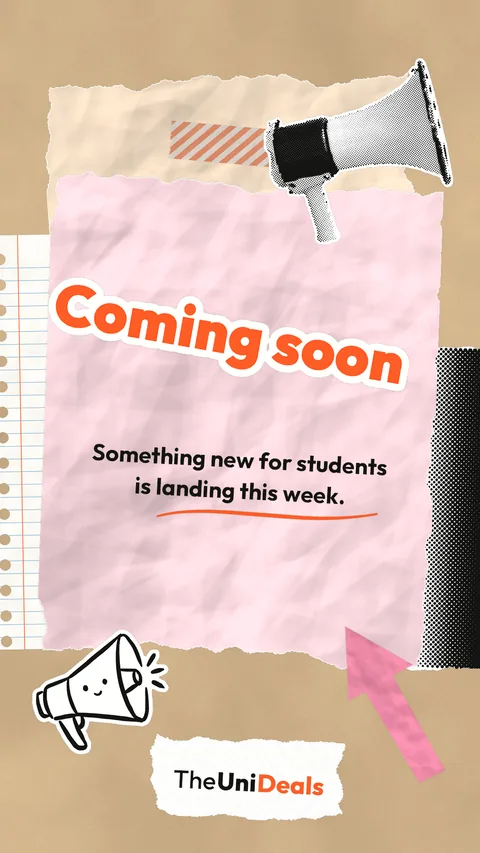
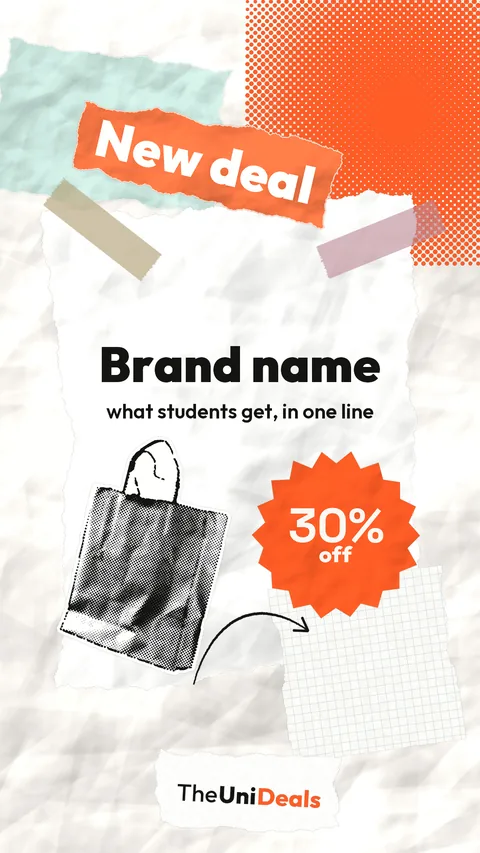
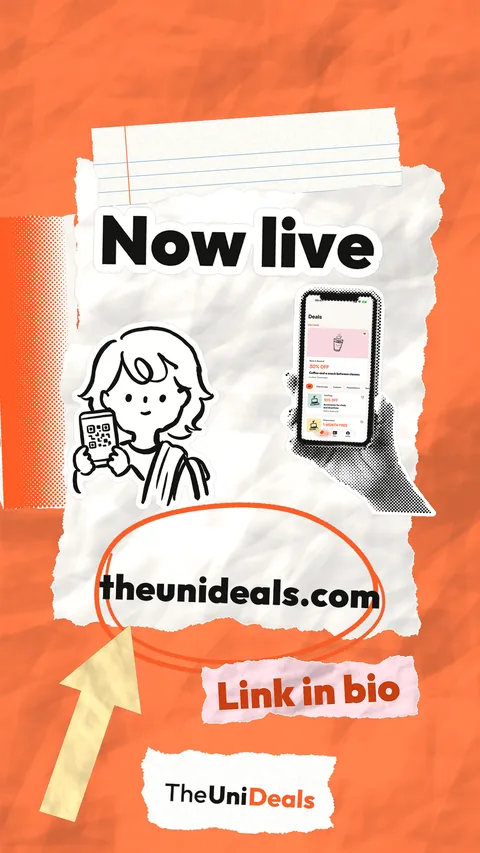
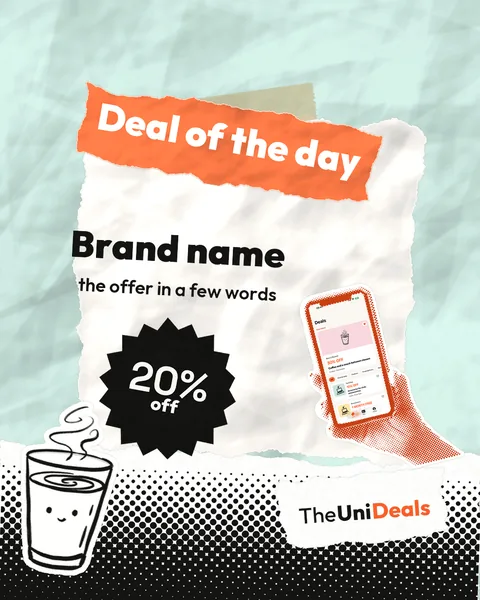
Four post and story templates, word stickers and doodle stickers.
Download post kitZIP, 14 MB









App icon
Post templates





Before you post
- The name reads "The Uni Deals" everywhere, with "The"
- @theunideals is tagged and links go to theunideals.com
- The offer matches the app word for word
- No student numbers, and no "first", "only", "biggest", "best" or "exclusive"
- The logo is our file, unchanged, with space around it
- No one's ID, phone number, email or account screenshot is shown
Questions about this guide: hello@theunideals.com.